Certificates and ABM
How the certificates work together
Apple Business Manager (ABM) identifies the organization and supports automated enrollment. The MDM certificate authorizes device management, while APNs delivers push notifications that wake devices and allow commands to be received.
Certificate lifecycle
- Register the organization and verify the ABM account.
- Create the MDM certificate and configure it in the platform.
- Configure APNs and test push delivery on a supervised device.
- Record expiry dates and keep encrypted backups in a restricted location.
- Renew certificates before expiration and verify command delivery after renewal.
Common risks
An expired or revoked certificate, an incorrect bundle identifier, an ABM account restriction or an Apple policy change can stop or delay management commands. Always test renewal on a controlled device first.
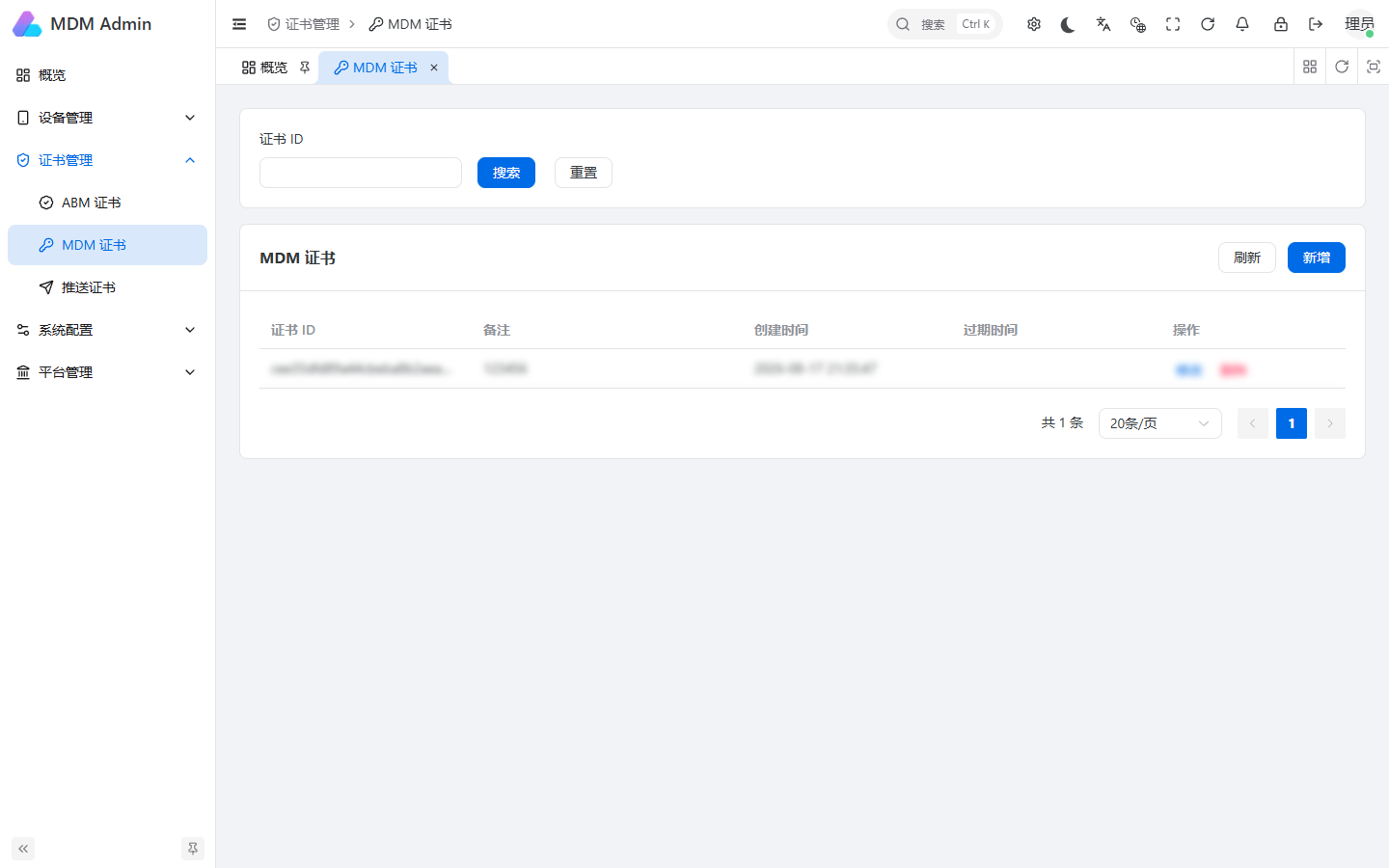
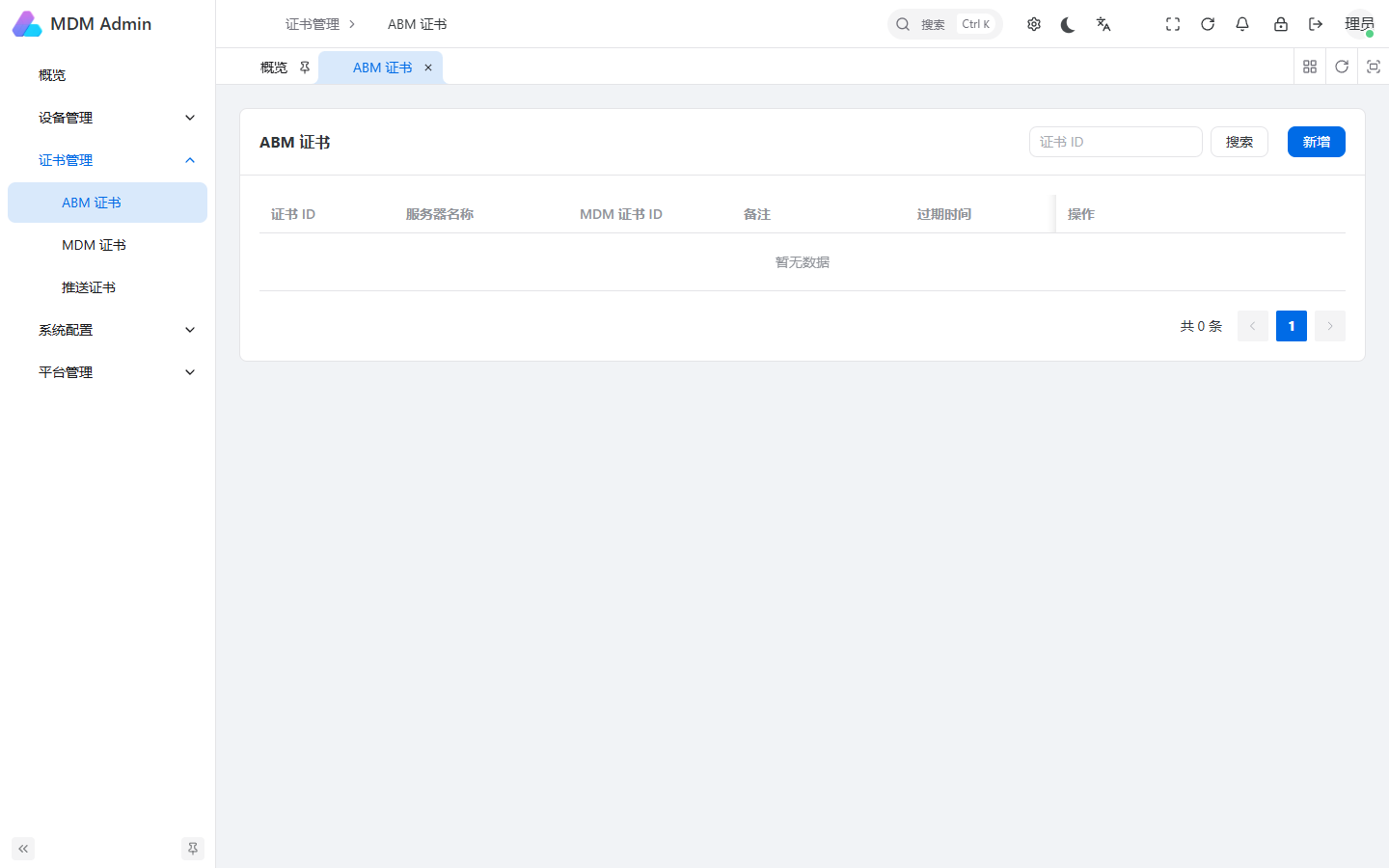
See the detailed 中文证书申请与维护教程 for screenshots and exact steps.