MDM Quick Start
Before you begin
Prepare a server, a domain name, an HTTPS certificate, a supported database and a legally registered Apple Business Manager account. The MDM certificate and APNs configuration must remain valid throughout device operations.
Recommended deployment flow
- Prepare the server, domain, database and HTTPS certificate.
- Deploy the backend and web console.
- Configure Apple Business Manager and the MDM certificate.
- Create administrator and operator accounts with the minimum required permissions.
- Enroll a test iPhone or iPad and verify supervision, commands and status reporting.
- Back up the configuration and document the recovery process before onboarding production devices.
Test before production
Use a small test fleet first. Verify enrollment, application installation, lost mode, remote lock, location history and command retry behavior. Do not apply high-risk policies to production devices until the approval and notification workflow is confirmed.
Continue in Chinese
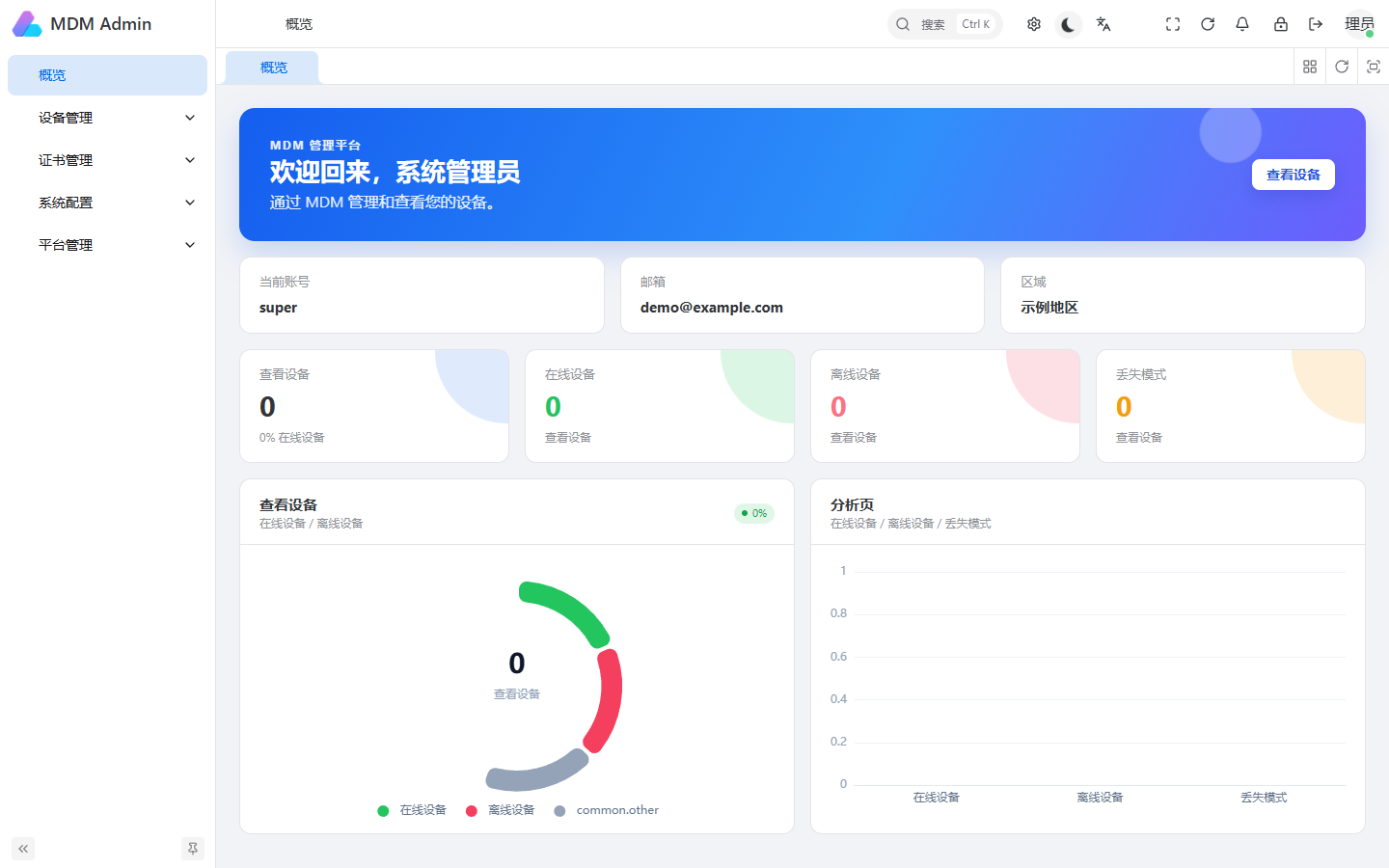
The complete deployment steps and current screenshots are maintained in the 中文部署教程. You can switch language from the language menu in the top navigation at any time.