Device lock and unlock
Before locking a device
Confirm ownership or authorization, device serial number, assigned user, business reason, contract status and current online state. Complete the required approval and user-notice process.
Locking workflow
- Locate the exact device in the console.
- Review pending commands and current device status.
- Choose lost mode, remote lock or a less restrictive policy that matches the risk.
- Submit the command and monitor its execution status.
- Record the operator, reason, time and result.
Unlocking and pending commands
Unlock only after the required condition and approval are confirmed. If a command remains pending, check network access, device state, APNs delivery and certificate validity before retrying or deleting the pending task.
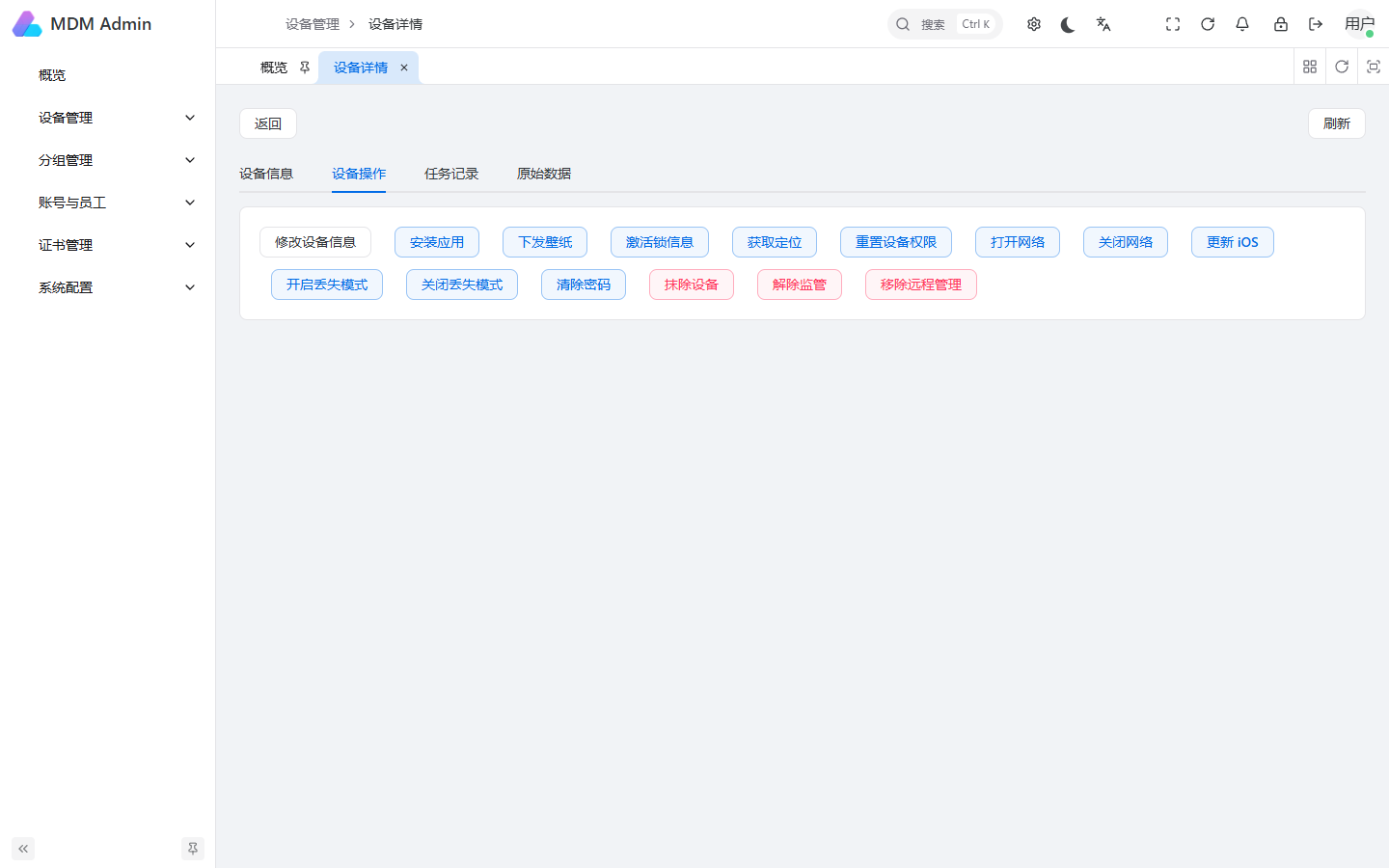
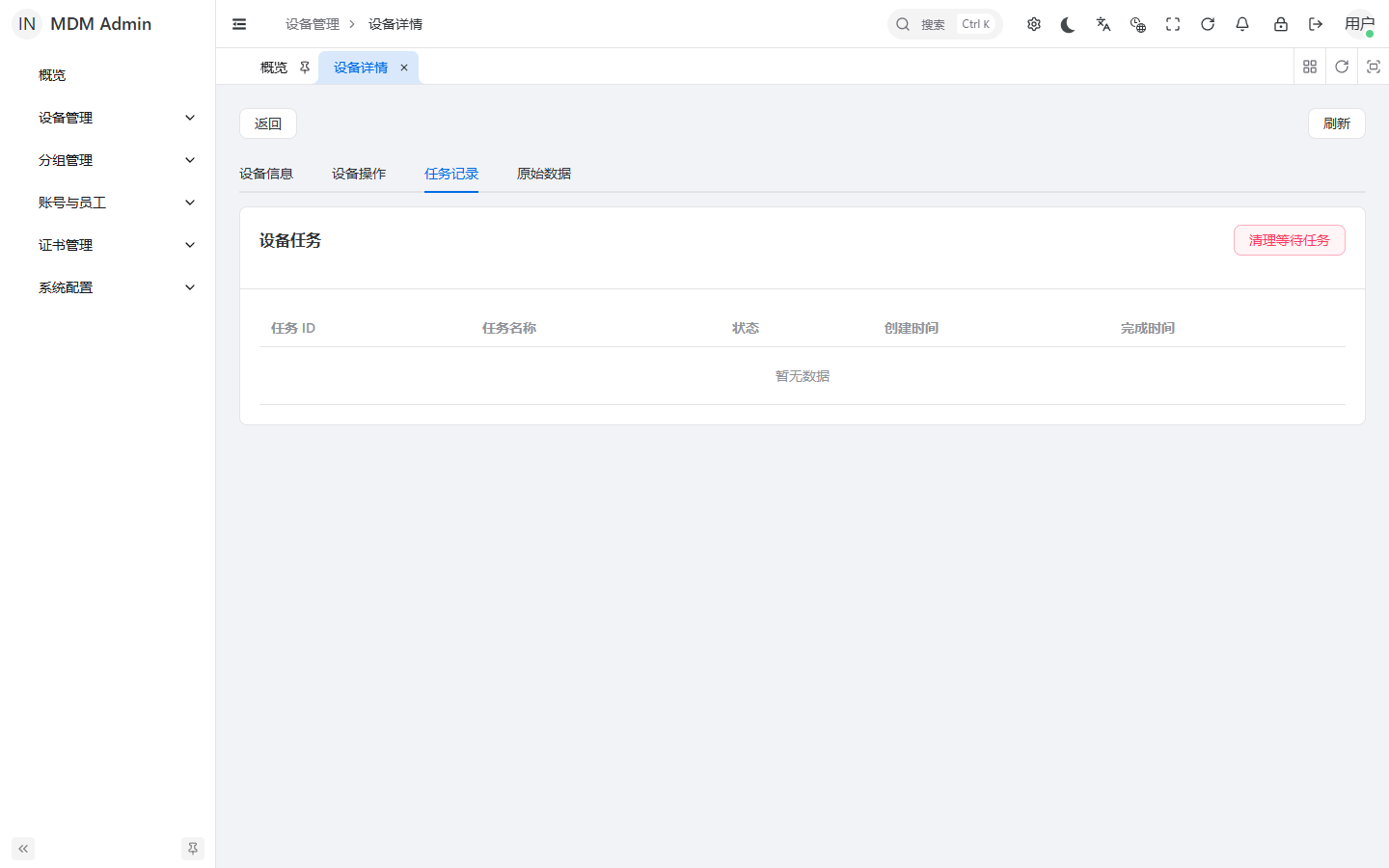
See the illustrated 中文上锁与解锁教程.