User console
Daily workflow
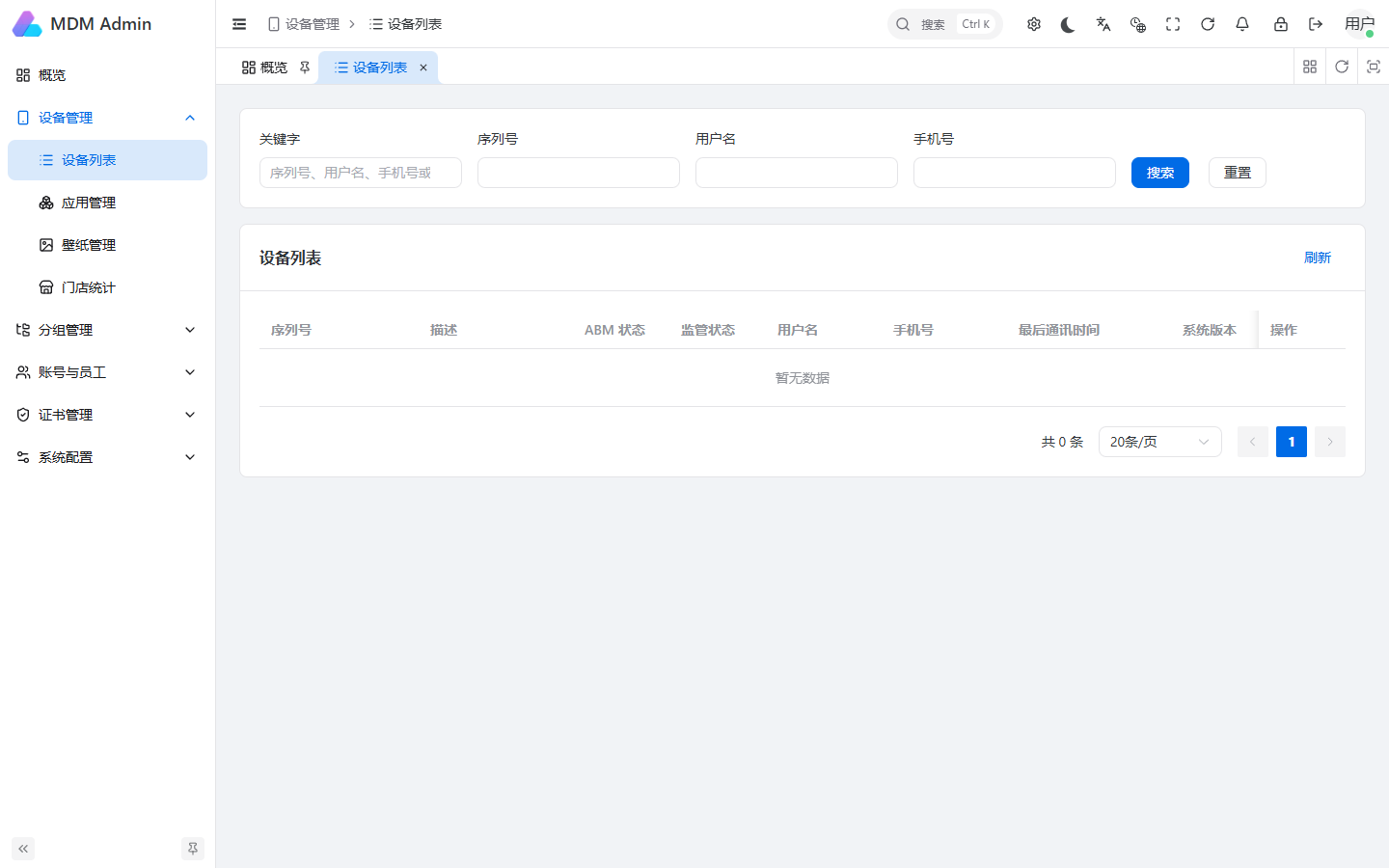
- Review the dashboard and current device status.
- Use device groups and employee roles to limit access.
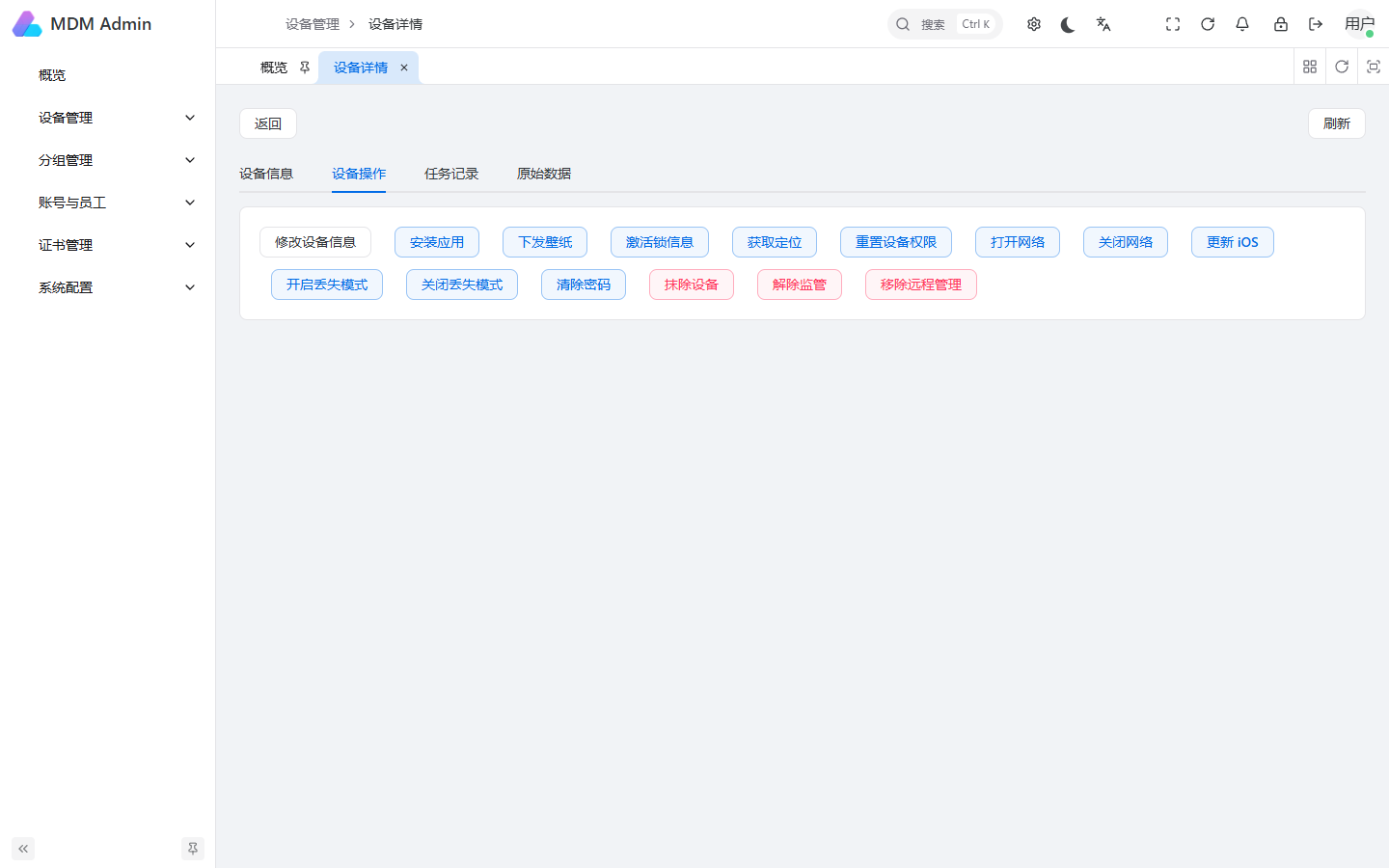
- Inspect device details before sending a command.
- Track application, wallpaper, certificate and enrollment activity.
- Review command history, location history, quotas and login records.
Device operations
The user console can support enrollment, device information, application installation, wallpaper delivery, lost mode templates, location queries and other operations enabled by the organization administrator.
Do not send remote lock, erase or network-restriction commands without verifying the device identity and approval status.
See the full 中文普通用户后台说明.